This is the second part of the best QoL mods one should download in Minecraft before they even start playing the game. You can check the first part out here! Now, in the first part, we saw three of the best ones that will save you time and give you an FPS boost in the game. For the second part, we will take a look at three mods that spell convenience to the users. Without further ado, let us get into it!
Three More Quality of Life Mods that Will Spell Convenience for You in Minecraft Update 1.19
#3 – AppleSkin
Hunger and solving the hunger problem is a huge obstacles in the game. However, if you want to ensure that you have proper information about each of the foods you eat then this is the best mod to have. This mod gives you additional information about how many hunger points and saturation each food restores. The vanilla version does not give you this kind of information on hand.
It has many features that are convenient for players to have in the hot bar. You can download the mod and try it out for yourself.
#2 – Waystones
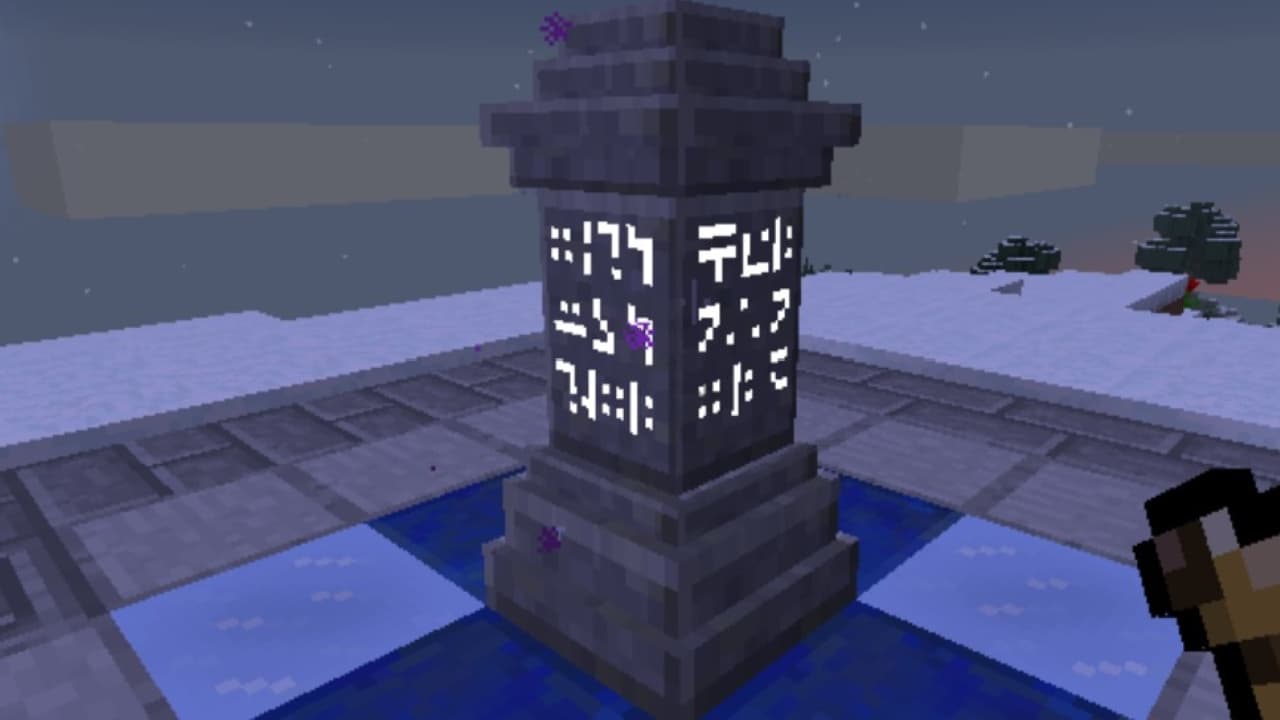
This mod is what the vanilla version of Minecraft desperately needs. Although all open-world games have a fast travel system, Minecraft does not. That is where this mod comes in. The Waystones mod adds these teleporting beacons which you can use to fast travel between various locations. All you need to do is have the materials to create a Waystone, plant it in an area you want, and have another Waystone which you can use to teleport there. In short, you can start using this mod once you have made two Waystones.
You can check out the list of features and the download options from the link below!
#1 – Nature’s Compass
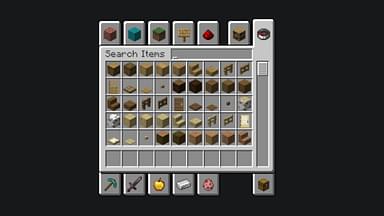
This is the best mod for people looking to find specific resources in certain biomes. Nature’s compass can help guide you to certain biomes and even give you information about them. You need four pieces of wood, four saplings, and one compass to make it. Once you make it, equip it and right-click. This will bring up a GUI which then you can use to navigate to the biome you want.
This is simply convenience at its best. Click on the link below to find out more features and download this mod!
What are your favorite mods out of all of these? Let us know in the comments below! For more Minecraft mods, click here!