


Warzone 2 best PC settings for spotting enemies from far away

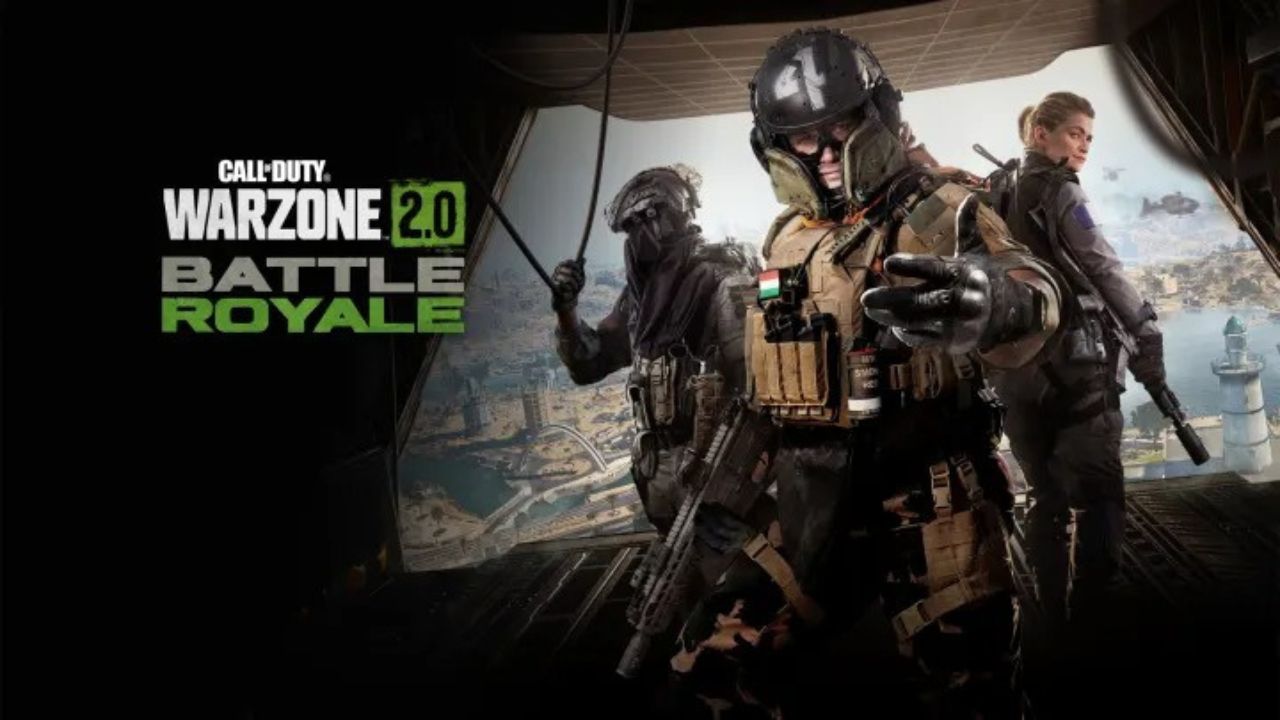
Warzone 2 was just launched and players have been enjoying the game so far. Though the game is based on the same engine as Modern Warfare 2, they are not the same. Players dropping in Al Mazrah have to have some kind of customization to get the best setting for PC to play Warzone 2.
Here is the setting that would help players in spotting enemies from afar when playing on PC.
Also Read: World’s first Warzone 2 nuke unleashed by streamers, know how they did it
Best settings in Warzone 2.0 for spotting enemies on PC
Be a force on land, air, and sea! Which vehicle in #Warzone2 will you hop in first?👇
🛞 ATV
🛞 UTV
🛞 Hatchback
🛞 SUV
🛞 @GMC Hummer EV
🛞 Cargo Truck
🚁Light Helo
🚁Heavy Chopper
🚤RHIB
🚤Armored Patrol Boat#CODBlog: https://t.co/dGjPbxgdzR pic.twitter.com/6WoxIfuofA— Call of Duty (@CallofDuty) November 9, 2022
Players can access the setting from the top right corner of the game and click on the search bar that will help them find the exact location of the setting they want to change. Here are the optimum settings that will make your gaming experience smoother:
Display
Display Mode: Fullscreen Exclusive
Screen Refresh Rate: Highest Available
Dynamic Resolution: Off
V-Sync (Gameplay): On
Custom Frame Rate Limit: 57FPS, 141FPS, 237FPS
Global Quality
- Quality Presets: Custom
- Render Resolution: 100
- FidelityFX CAS Strength: 75
- Anti-Aliasing: Filmic SMAA T2X
- Anti-Aliasing Quality: Normal
- Upscaling/Sharpening: FidelityFX CAS
Textures
- Texture Resolution Low
- Texture Filter Anisotropic High
- Nearby Level of Detail High
- Volumetric Quality Low
- Deferred Physics Quality Low
- Water Caustics Off
- Clutter Draw Distance Long
- Particle Quality High
- Particle Quality Level Low
- Bullet Impact and Sprays On
- Shader Quality Low
- Distant Level of Detail High
- Tessellation Off
- Terrain Memory Max
- On-Demand Texture Streaming On
Shadow
- Shadow Map Resolution Low
- Screen Space Shadows Off
- Ambient Occlusion Off
- Screen Space Reflections Off
- Spot Shadow Quality Low
- Spot Cache Low
- Particle Lighting Low
- Static Reflection Quality Low
- Water Grid Volumes Off
View
- Field of View 100
- ADS Field of View Affected
- Weapon Field of View Default
While these are the ideal settings, players can still tweak them according to their comfort. These are setting for PC that have up-to-date graphic cards and fast internet connection. These settings will help you in balancing gameplay and graphics.
Also Read: Warzone 2.0 New Plates and Armor System Explained: What has Changed for the Second COD Warzone game?
About the author


-

Ripan Majumdar •
YouTube Demonetizes VaatiVidya’s Second Channel, Claims the YouTuber Reused Content in His Videos
-

Ripan Majumdar •
Netflix Appears to Have Missed Out on a Big Payday as MrBeast Lands a Deal With Amazon-Owned Prime Video
-

Ripan Majumdar •
IShowSpeed Is Set to Release His Debut Album Much to the Delight of His Fans
-

Ripan Majumdar •
Latest Leaks Suggest EA FC 25 Will Feature an Overhauled AI but Fans Think Otherwise
-

Ripan Majumdar •
Zekken Proves to His Parents the Worth of Being an eSports Pro After Winning the Valorant Masters Madrid
-

Ripan Majumdar •
Bethesda Believed They Were Too Small to Compete in the RPG Space When Releasing The Elder Scrolls: Arena