


Riot’s Multi-Factor Authentication: What is Multi Factor Authentication and how to enable it for Valorant and League of Legends

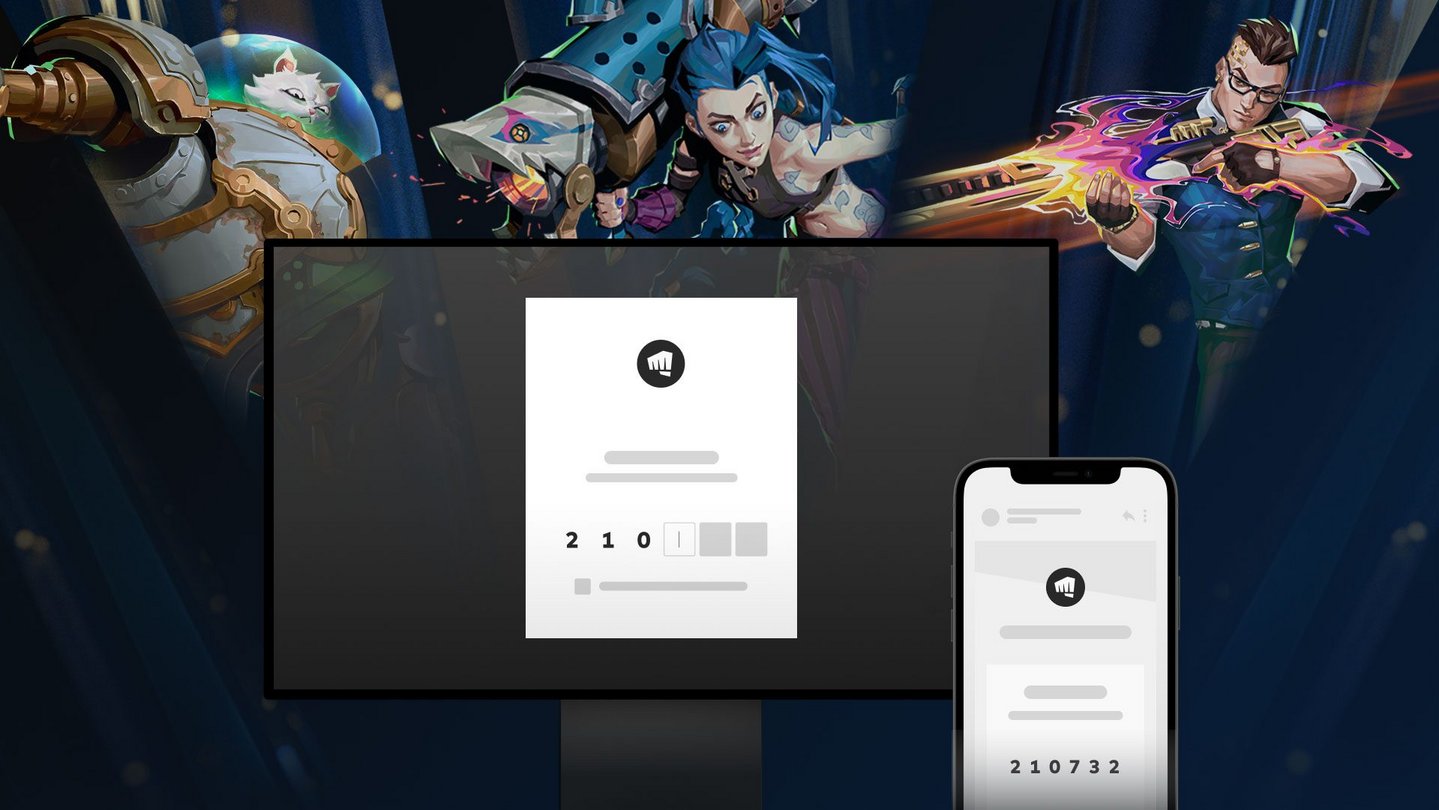
The wait for increased security for your Riot accounts is over as they have announced the new Riot’s Multi-Factor Authentication.
In the current world, people tend to invest a lot in their favorite video games. Be it money for skins and accessories, or the time you put in, etc. And losing all of the efforts due to lack of security is painful for anyone.
In the past, people have said that someone got into their Valorant or LOL accounts and changed the id or passwords. Or ended up disabling the account or getting it banned.
However, to prevent it from happening in the future, Riot has finally introduced Multi-Factor Authentication or you may know it as 2FA. So, let us learn what it is and how to enable it.
What is Multi Factor Authentication or 2FA?
As Riot put it “MFA is an electronic security measure which permits access to a person’s account only after they have successfully presented two forms of authentication.”
So in simple terms, to get into an account you have to provide more than one form of authentication.
This is an Opt-only feature, which means the player has to option to enable or disable MFA for their account. But we recommend you enable MFA for your account as it provides an extra layer for security for your account. And also some peace of mind for you knowing your account is secured.
How to enable Riot’s Multi-Factor Authentication
Two-Factor Authentication is now available.
I recommend everyone to go and enable Two-Factor.https://t.co/zurhg6PRQc pic.twitter.com/IHoO1eTD8j
— Mike – Valorant Leaks & Info (@ValorLeaks) January 19, 2022
To enable MFA for your Riot accounts, just follow the below-given steps:
Step 1: Log into your Riot account on this website, by entering your credentials.
Step-2: Click on the Two-Factor authentication tab, and then press enable.
Step 3: After you press enable, you will receive an email on your registered mail. Click on that mail.
Step-4: There you will see an option stating “Enable 2FA”, click on it.
Step 5: Now, all you have to do is enjoy a safe and secure account.
Do keep in mind you can disable MFA whenever you want to. And if you don’t want to go through the process of entering multiple authentications, just select “Remember this app for 30 days“.
Also Read: Best NA Valorant Teams: Take a look at the top 5 teams for the North American region
About the author

-

Tanmaiy Reddy •
“Will Smith just smacked the sh*t out of me”: Ninja continues the Will Smith MEME as he gets smacked by Will In-game
-

Adnan Juzar Kachwala •
KRU Esports Acquire Xand for VCT 2023
-

Amlan Roy •
Valorant Haven guide: How to master the Bhutan-based map
-

Tanmaiy Reddy •
Valorant Fade Bind Lineups: All Fade Bind lineups for both defender and attacker side
-
Swetabh Shekhar •
A Recent Job Listing for Valorant Hints at the Title’s Console Debut
-

Adnan Juzar Kachwala •
How to Fix High Ping in Valorant: 4 Things You Can Do