


Jinggg Valorant settings: Gear, Mouse Sensitivity, Crosshair, Key binds, Graphics, Video Settings

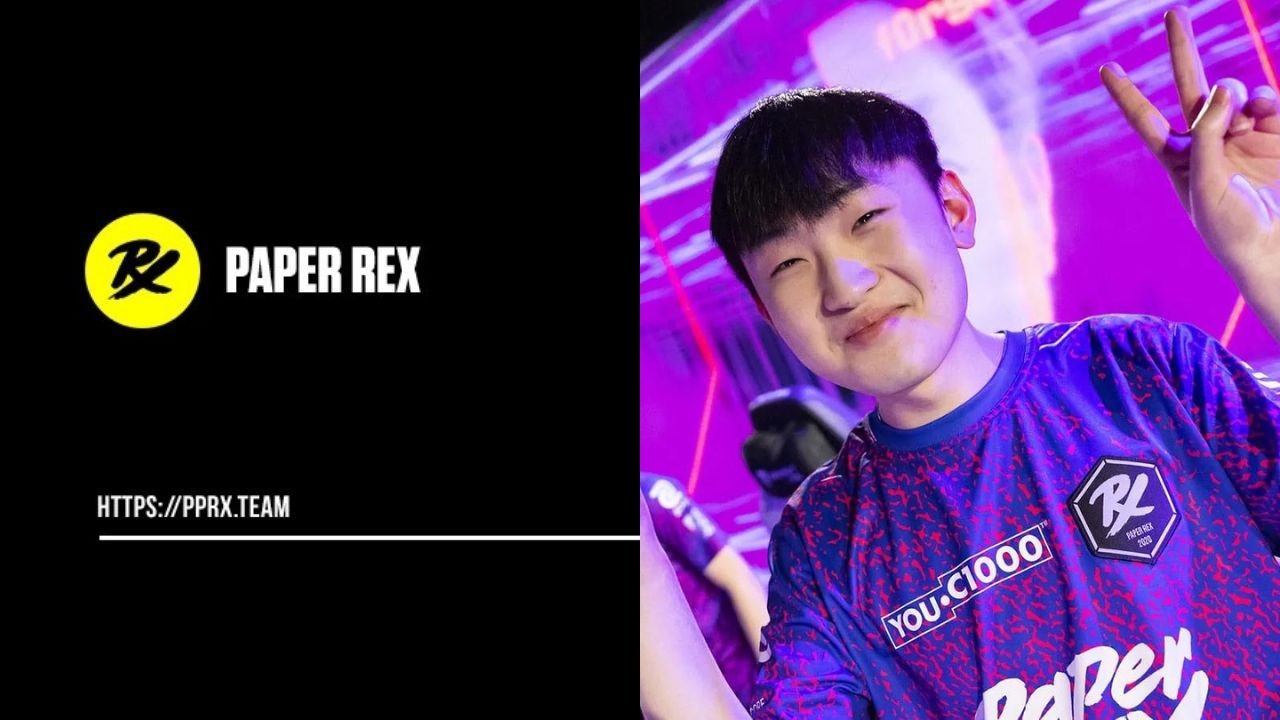
Take a look at the in-game Valorant settings and gear for Paper Rex’s most impactful and top-fragging dualist, Jinggg.
Wang “Jinggg” Jing Jie is a Singapore-based Professional Valorant player currently playing for Paper Rex. He usually prefers to play the role of the dualist, and recently we have seen him dominate the teams with his amazing raze plays.
Coming out of the APAC region, Paper Rex has been at the top since the beginning of the VCT. And in the most recent tournament VCT Masters 2 Copenhagen, Paper Rex is the only team apart from OpTic to dominate the playoffs without losing a match. Jinggg’s performance in these matches has been pretty vital for the team, but boy oh boy they have been surprising everyone with their performance.
Also Read: Why is the Valorant update so slow? Here is how to fix the issue!
Jinggg’s Gear
- Monitor: ZOWIE XL2546K
- Keyboard: Custom Keyboard
- Mouse: FinalMouse Starlight-12
- Mousepad: Artisan Ninja FX Zero Soft
- Headset: Logitech G Pro X Headset
- Graphics Card: NVIDIA GeForce RTX 2080 Ti
Jinggg Valorant in-game Settings
Jinggg Mouse settings
- Mouse DPI – 1600
- In-game Sensitivity – 0.2
- eDPI – 320
- Scoped Sensitivity – 1
- Polling Rate – 1000
Jinggg’s Valorant Crosshair settings
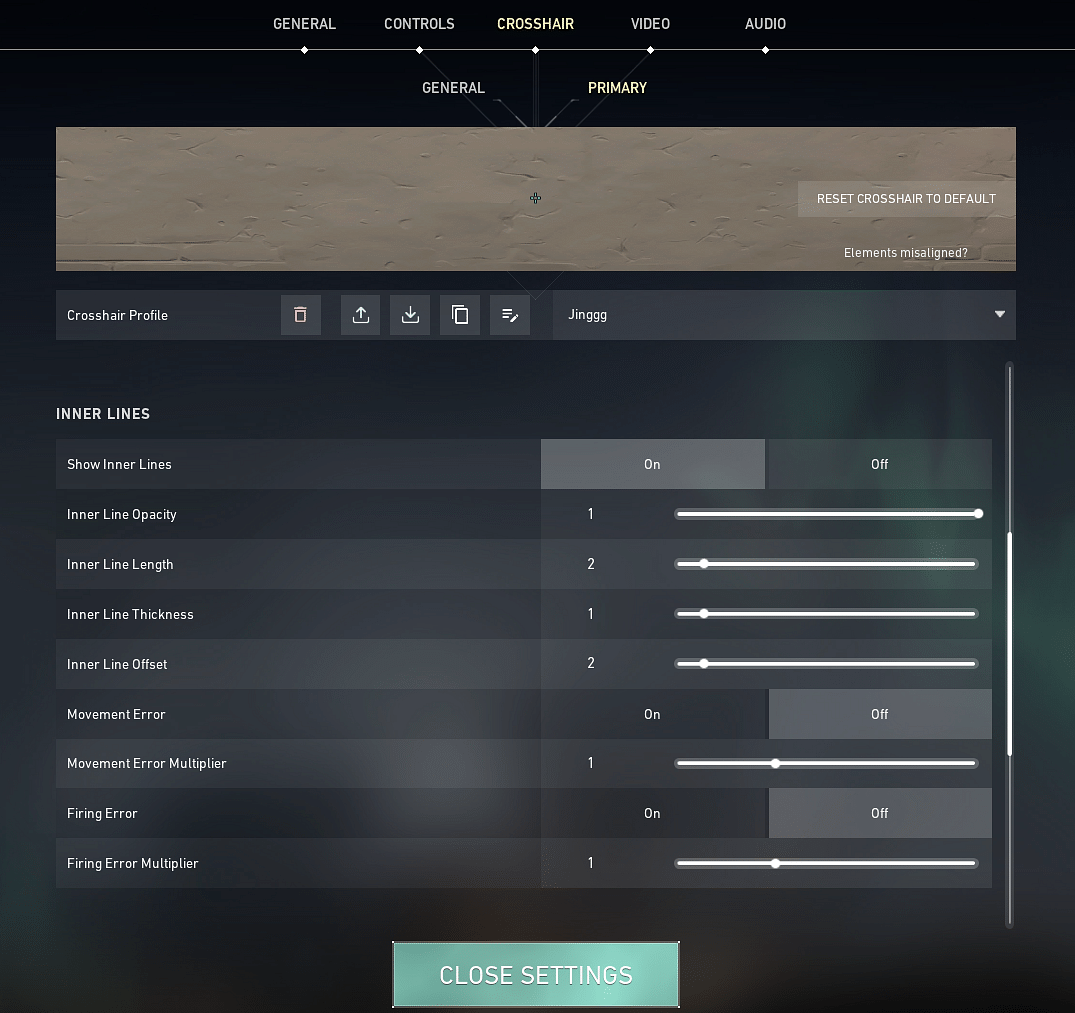
- Crosshair Color: Cyan
- Center-Dot: Off
- Outlines: On
- Outline Opacity: 1
- Outline Thickness: 1
- Inner Lines: On
- InnerLine Opacity: 1
- Inner Line Length: 2
- Inner Line Thickness: 1
- InnerLine offset: 2
- Outer Lines: Off
Also Read: Valorant Masters Copenhagen Playoffs Teams and Schedule
Jinggg Valorant Keybinds
- Walk: L-Shift
- Crouch: L-Ctrl
- Jump: Space Bar
- Use Object: F
- Primary Weapon: 1
- Secondary Weapon: 2
- Melee Weapon: 3
- Equip Spike: 4
- Ability 1: E
- Use Ability 2: Q
- Ability 3: C
- Use Ultimate Ability: X
Jinggg’s Video Settings
- General
- Display – Fullscreen
- Resolution – 1440 x 1080
- Frame Rate Limit – Unlocked
- Graphics Settings
- Multithreaded Rendering: On
- Material Quality – Low
- Texture Quality – Low
- Detail Quality – Low
- UI Quality – Medium
- Vignette – off
- VSync – Off
- Anti-Aliasing – None
- Anisotropic Filtering – 4x
- Improve Clarity – On
- Bloom – Off
- Distortion – Off
- Cast Shadows – Off
Don’t forget to check out Jinggg live on his twitch channel.
About the author

-
Tanmaiy Reddy •
Rise Nation Surprises Everyone, after defeating 100 Thieves in the NA LCQ Upper Finals
-
Tanmaiy Reddy •
NA VCT Group Stage Week 4 Standings and recap
-
Subhradeep Mukherjee •
Rain reveals FaZe is bleeding over $750,000 every month from the esports division
-
Gautham Balaji •
OG New Carry : Is G2 League of Legend Player Reckkles the newest addition to OG Dota 2 Team?
-
Gautham Balaji •
Dota 2 Patch 7.28 Notes : New Hero “Hoodwink” & Aghanim’s Shards released as part of Mistwood update
-

Gautham Balaji •
World of Tanks: WWE SummerSlam Pass & Stone Cold Steve Austin 3:16 Tank