


Honkai Star Rail Login Error 1001_1: Possible solutions

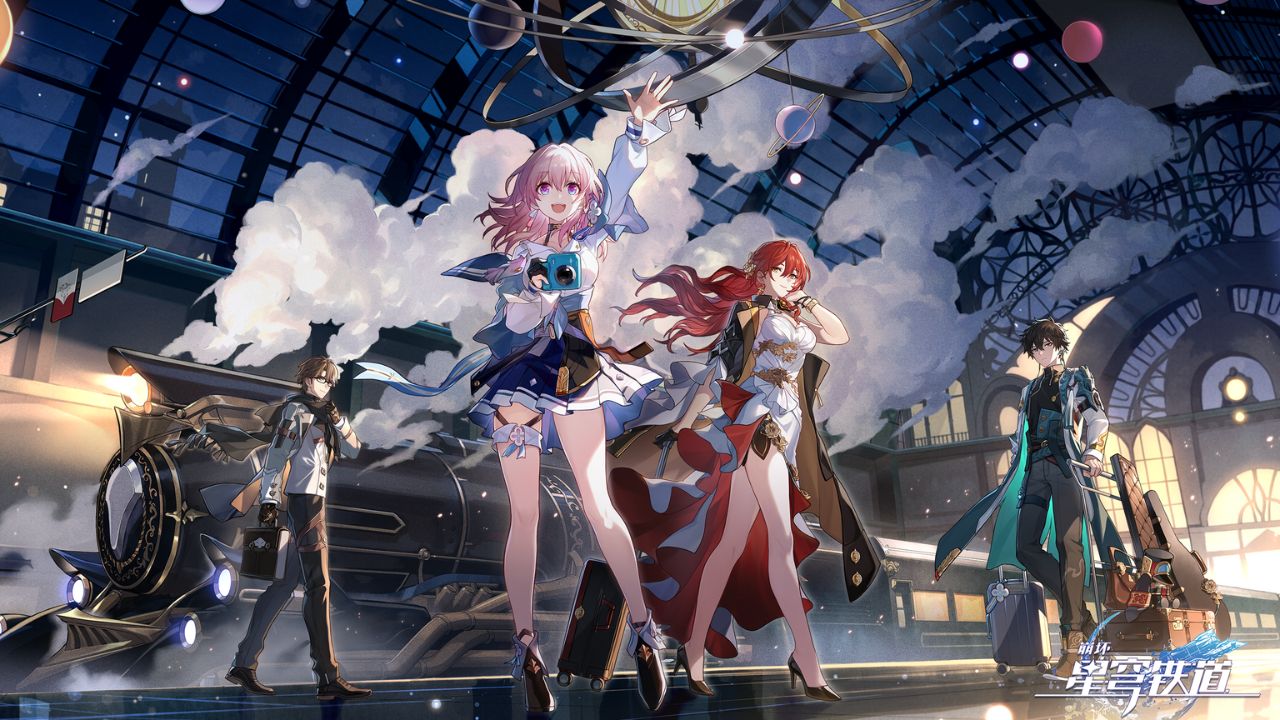
Honkai Star Rail has launched a few days ago and some players are facing login issues. Due to this error, players get stuck on the login screen and face Honkai Star Rail Login Error 1001_1. This guide will help players navigate through the possible solutions to fix this login error. This internet-based issue can be fixed by following a few easy steps.
How to fix Honkai Star Rail Login Error 1001_1
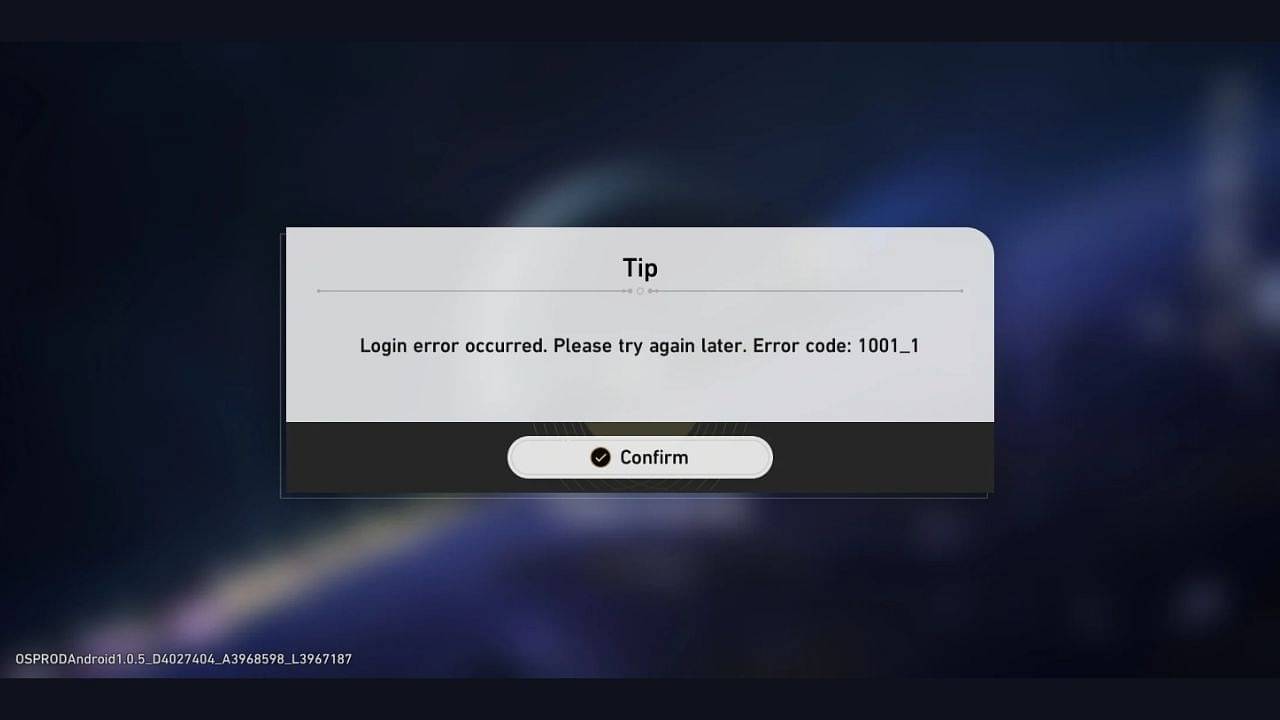
Players can resolve this internet connection issue by following a few easy steps. There could be multiple reasons why Login Error 1001_1 occurs. Here are the ways that can help the issue.
- Check Servers
- Fix Corrupted and Restart Honkai: Star Rail
- Internet Connection
- Uninstall and Reinstall the Game
Check Servers
While the possibility of facing this login error is very low, there are times when HoYoverse puts the servers offline for maintenance. This is mostly when players will face this issue. It is ideal for players to check the website or the game’s Twitter handle for a maintenance notice.
If there is an issue and the developers are working on it, these two places will be the first to tell people about the maintenance schedule.
Internet Connection
Players need to have proper internet connectivity to play Honkai Star Rail. If there are issues with the internet connection, players are likely to face Login Error 1001_1.
Players should check whether their internet is working properly and if the router is receiving packets in case they’re using Wi-Fi. If that is the issue, they should check with their internet provider for a solution.
Fix Corrupted and Restart Honkai: Star Rail
There is a decent possibility that while installing the game, some files might have gotten corrupt, making the game inaccessible. Players can try to fix them by using the update button, which will scan and repair the files. After this, players have to restart the game for the fixes to get implemented.
Uninstall and reinstall the game
The last resort for players is to uninstall Honkai Star: Rail completely and reinstall it. Players can also reach out to HoYoverse’s customer support if the problem persists for too long.
About the author


-

Adnan Juzar Kachwala •
What is Eco Mode in Warzone 2?
-

Aaryanshi Mohan •
Everything you need to know about Andrew Tate Hustler’s University
-
Adnan Juzar Kachwala •
The Best Enchantments to Use in Minecraft 1.20 Update
-

Adnan Juzar Kachwala •
“There Are Just Too Many Unprofitable Businesses in Video Games” – Experts Fear 2024 Will Be The Year Of Layoffs and Closures For The Gaming Industry
-

Ripan Majumdar •
“Streaming Is Not the Hardest Job” – Pokimane Shares Her Thoughts on Streaming as a Career
-

Amlan Roy •
Xbox signs a joint agreement with PlayStation to keep Call of Duty available for all