


How to Change Mounts in Minecraft Legends

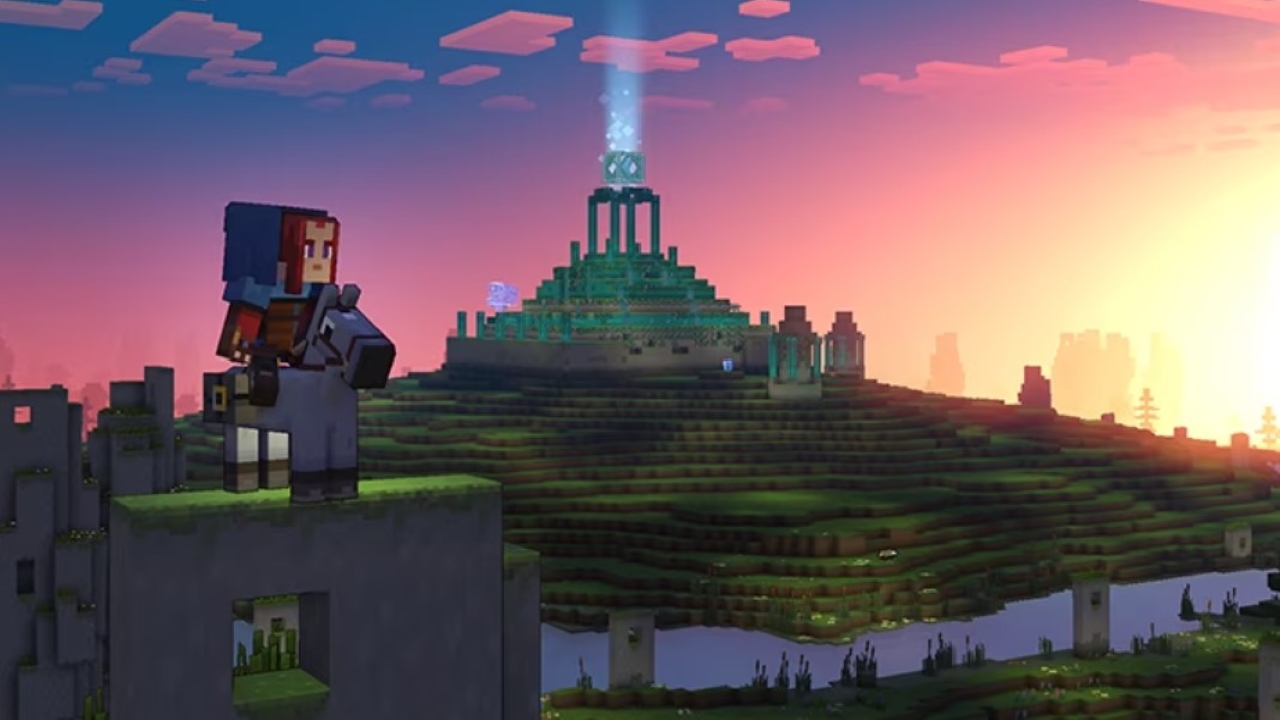
Minecraft Legends is filled with innovative features that resemble the vanilla version a lot. One of those features is the ability to ride mobs. However, in this game, they are called and there are limited mounts to ride. A player can only ride four potential mobs. However, three of them have abilities that make traversal gameplay really enjoyable. You can check out the details for those mobs and where to find them here. However, most players will have difficulty switching different mounts in the game or just don’t know how. That is why, we will be looking at how you can change mounts.
Changing Mounts in Minecraft Legends: Simple Steps and Things You Need to Know
All mounts are scattered in various areas of the map so you might have difficulty finding them initially. However, since the map regenerates every new session it can get difficult for players to remember where their old mount was. The mounts are one exception to the regeneration of the maps, you will find them when you want to switch from a different mount. Let us explain the process in detail.
- First, you need to find the mount you want to ride. Refer to the guide above to see the locations of all the mounts in the game.
- Once you do find the mount, long press Q to change to a different mount. It will trigger a cutscene after which you will be on the mount.
- Now, remember that each mount has various abilities, so you will need to switch between each one for different missions and vary your playstyle for smoother gameplay progression.
- That is why, the mount switching in this game is pretty simple. All you have to do is travel back to the point where you initially switched your previous mount with the current one. You will find your previous mount there. Remember, your previous mount will be at the location you left them before switching.
However, if you do not want that hassle and want to get a different mount altogether, just travel back to the biome where that mount spawns and repeat the starting steps. That is everything you need to know about switching mounts in Minecraft. Minecraft Legends is out now for PC and Console. For more Minecraft Legends content, click here!
About the author


-
Adnan Juzar Kachwala •
“Praying on This Team’s Downfall”; Twitter Reacts to Yay Leaving C9 Valorant
-

Danyal Arabi •
What are the GTA Plus benefits this week? (Till March 15, 2023)
-

Adnan Juzar Kachwala •
The Best Minecraft Nether Seeds to Check Out in 2023
-

Ripan Majumdar •
100 Thieves’ Partnership With Crocs has an Interesting Story Behind it
-

Adnan Juzar Kachwala •
Minecraft Legends: Everything You Need to Know about the Gameplay!
-

Adnan Juzar Kachwala •
Top 10 Adventure Games to Play In 2023