


100T Hiko Valorant in-game settings: Gear, Key binds, Mouse Sensitivity, Crosshair, Graphics, Video Settings

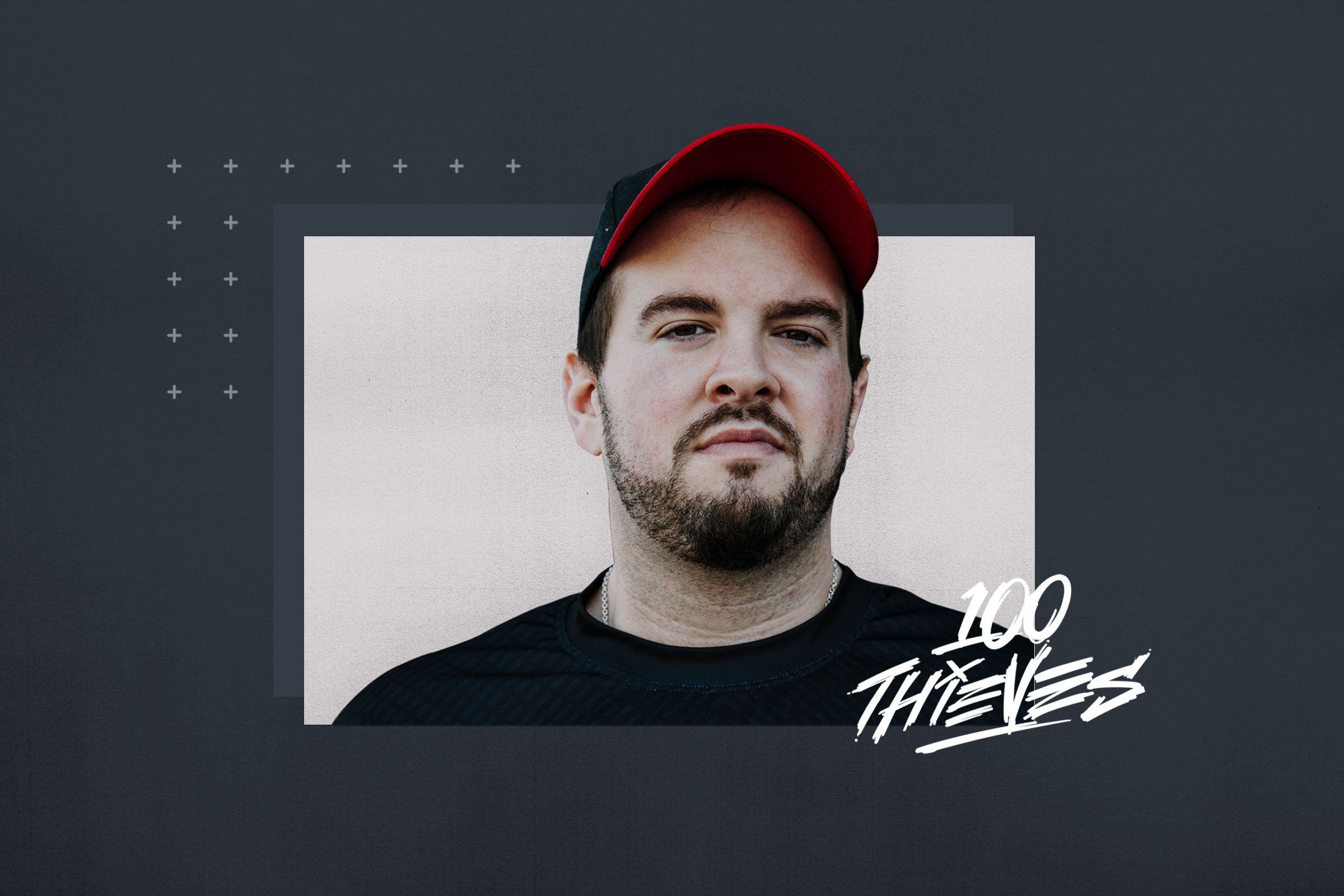
Take a look at the most famous clutch master 100T Hiko in-game Valorant settings and gear which helps him become the pro he is.
Spencer “Hiko” Martin is an American valorant player who plays for the team 100 Thieves. Hiko became famous during his CS: GO days when he used to play with Shroud and Justin representing Cloud 9. However, Hiko made his move to Valorant as he saw more potential in it. That’s when 100 Thieves approached him to start a valorant roster.
Since the beginning, the 100T valorant team has not disappointed us. They started the journey by winning the first official Valorant tournament “First Strike“. But after that, they could only manage to say in the top 3 teams from NA.
However, Hiko’s playstyle never changed. We got to see some insane clutches on international and regnal levels which led them to some unrealistic wins.
100T Hiko Gear
- Monitor: ALIENWARE AW2521H
- Keyboard: RAZER Blackwidow TE
- Mouse: FINALMOUSE STARLIGHT-12
- Mousepad: RAZER STRIDER
- Headset: JBL QUANTUM ONE
100T Hiko Valorant in-game Settings
Hiko Mouse settings
- Mouse DPI – 1600
- In-game Sensitivity – 0.36
- eDPI – 576
- Scoped Sensitivity – 1
- Polling Rate – 1000
Hiko Crosshair settings
For the crosshair settings, Hiko is one of the few people who use firing error. But using firing error does help keep your stray in control.
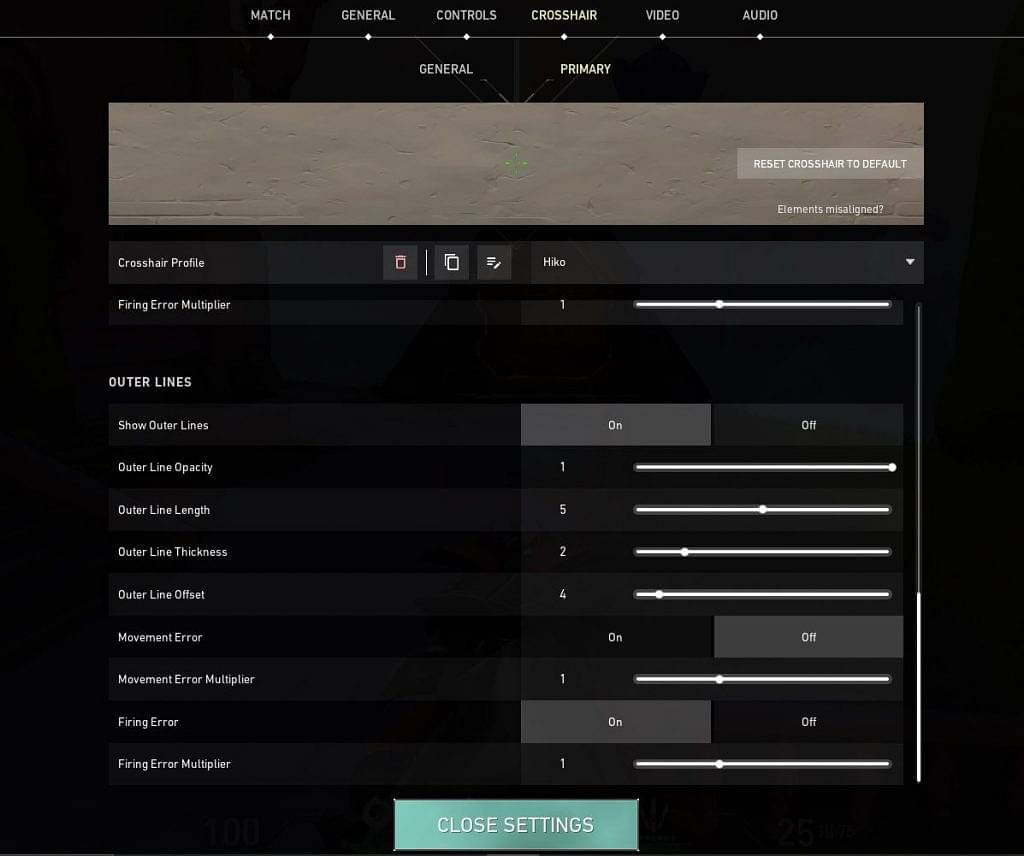
- Crosshair Color: Green
- Center Dot: On
- Center-Dot Opacity: 1
- Center-Dot Thickness: 1
- Crosshair Outline: Off
- Inner Lines: On
- InnerLine Opacity: 1
- Inner Line Length: 2
- Inner Line Thickness: 1
- InnerLine offset: 3
- Outer Lines: On
- OuterLine Opacity: 1
- Outer Line Length: 5
- Outer Line Thickness: 2
- OuterLine offset: 4
- Firing Error: On
100T Hiko Video Settings
- General
- Display – Fullscreen
- Resolution – 1680 x 1050
- Frame Rate Limit – Unlocked
- Graphics Settings
- Material Quality – Low
- Texture Quality – Low
- Detail Quality – Medium
- UI Quality – Medium
- Vignette – Off
- VSync – Off
- Anti-Aliasing – MSAA 2x
- Anisotropic Filtering – 1x
- Improve Clarity – On
- Bloom – Off
- Distortion – Off
- Cast Shadows – On
Also Read: Valorant Ascent Map Callouts: Important map locations and their callouts
Hiko’s playstyle is unique compared to other streamers and players. In fact, casual players can learn a lot watching him play. But do be mindful of noticing what he is doing during the games. And finally, enjoy his content as he is a fun entertainer with a great sense of humor.
Also, don’t forget to catch him live on twitch.
About the author

-
Karan Bahuguna •
Resolution VS Refresh Rate: Which one should you look for in a best Gaming Monitor?
-
Adnan Juzar Kachwala •
LoL Worlds 2022 Groups Day Seven Results
-
Adnan Juzar Kachwala •
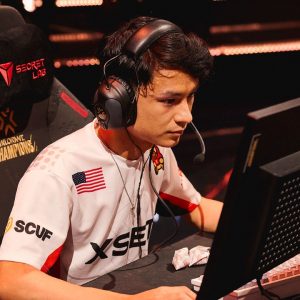
Sentinels Valorant to acquire Zekken and Dephh
-
Danyal Arabi •
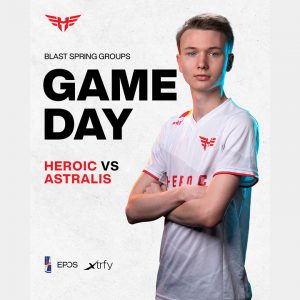
Danish derby set up as Heroic takes on Astralis at the CS:GO BLAST Spring Groups
-

Tanmaiy Reddy •
Valorant Champions Day 1 Schedule and Live Streaming : When and Where to Watch Day 1 Matches of VCT Berlin 2021?
-
Adnan Juzar Kachwala •
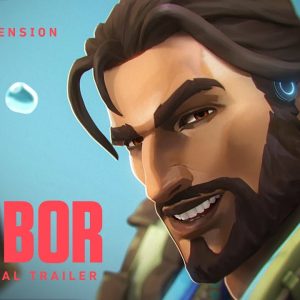
Valorant New Agent Harbor Abilities and Character First Look