


Uninstall Valorant: Here is how to uninstall Vanguard and Valorant

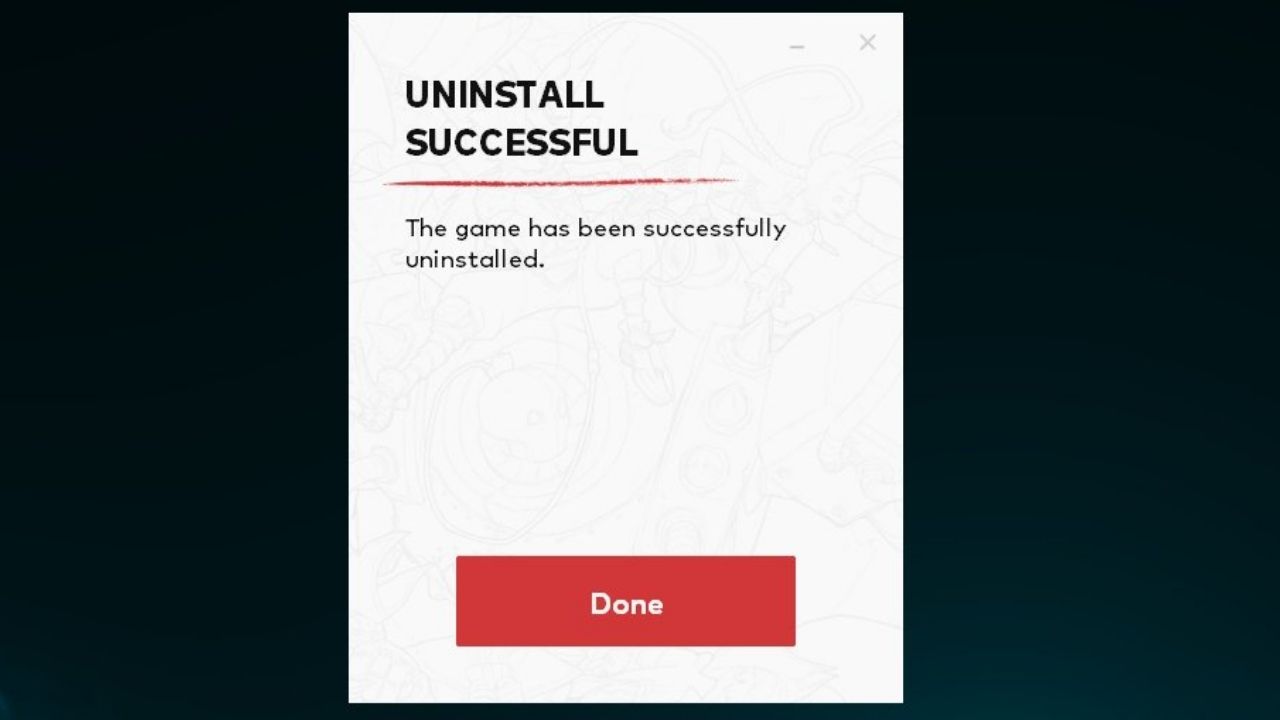
Are you fed up with not ranking up even after putting in a million hours, or maybe your parents are forcing you to uninstall Valorant?
Valorant is on its way to be one of the most popular FPS games. With more and more players joining the circus each day. However, the experience is not a smooth sail.
There are some drawbacks, some ups, and downs along the way, mostly downs. You can be playing for hours and hours a day and continuously lose. Or maybe Valorant has become a distraction in your life so maybe you or your parents make the decision to uninstall it. Well here is how to.
How to uninstall Valorant
Uninstalling Valorant is not a one-step process. Before you head out to remove valorant from your PC, there is one thing you have to do. Which is to uninstall the Vanguard.
Uninstalling Vanguard
To remove Vanguard, you have to close it. So to close the application
Step 1: click on the system tray on the bottom right
Step-2: right-click on the Vanguard icon
Step 3: Select “Exit Vanguard”
Your Vanguard should have been closed by now. No to uninstall Vanguard
Step 1: Go to Windows settings and select apps
Step-2: Now search “Riot Vanguard” in the search bar
Step 3: Click on it and press “Uninstall”
Final Step
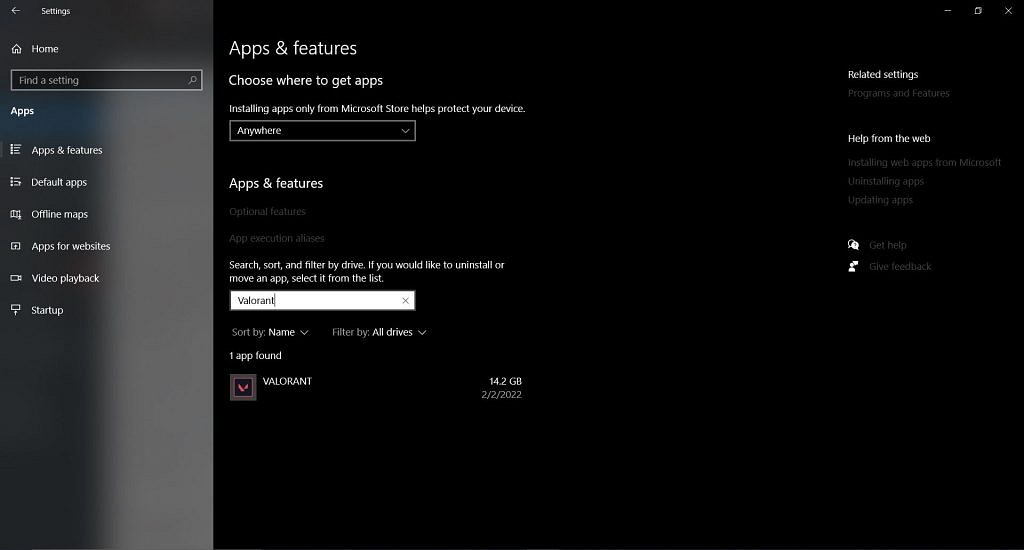
All that is left to do is uninstall Valorant, and for that
Step 1: Search “Valorant” in the app settings
Step-2: Click on Valorant
Step 3: Select “Uninstall”
And you are good to go, valorant is good as gone from your system and your PC.
About the author

-

Tanmaiy Reddy •
Valorant Patch 5.01 Leaks: Phoenix, Yoru, KAY/O changes, New Smurf Detection system and Release Date
-

Yuvansh Ruia •
VALORANT: Does Cypher, the Moroccan Sentinel need a buff from Riot Games?
-

Arnab Mukherjee •
Ram Rage Challenge: Check out the best decks for Clash Royale’s newest game mode here!
-

ch33n1 L4NC3L077 •
CSGO Teams to look out for in the BLAST Premier Spring Groups.
-
Adnan Juzar Kachwala •
Valorant Patch Notes 6.05 Gives us Improvement on Audio, VFX and Features Gekko Changes!
-

Karan Bahuguna •
Konfig CS GO: Complexity’s Konfig gets Kill-Death ratio of 26-5 against Fnatic