


TSM FTX Subroza : Crosshair, Keybinds and Mouse Settings

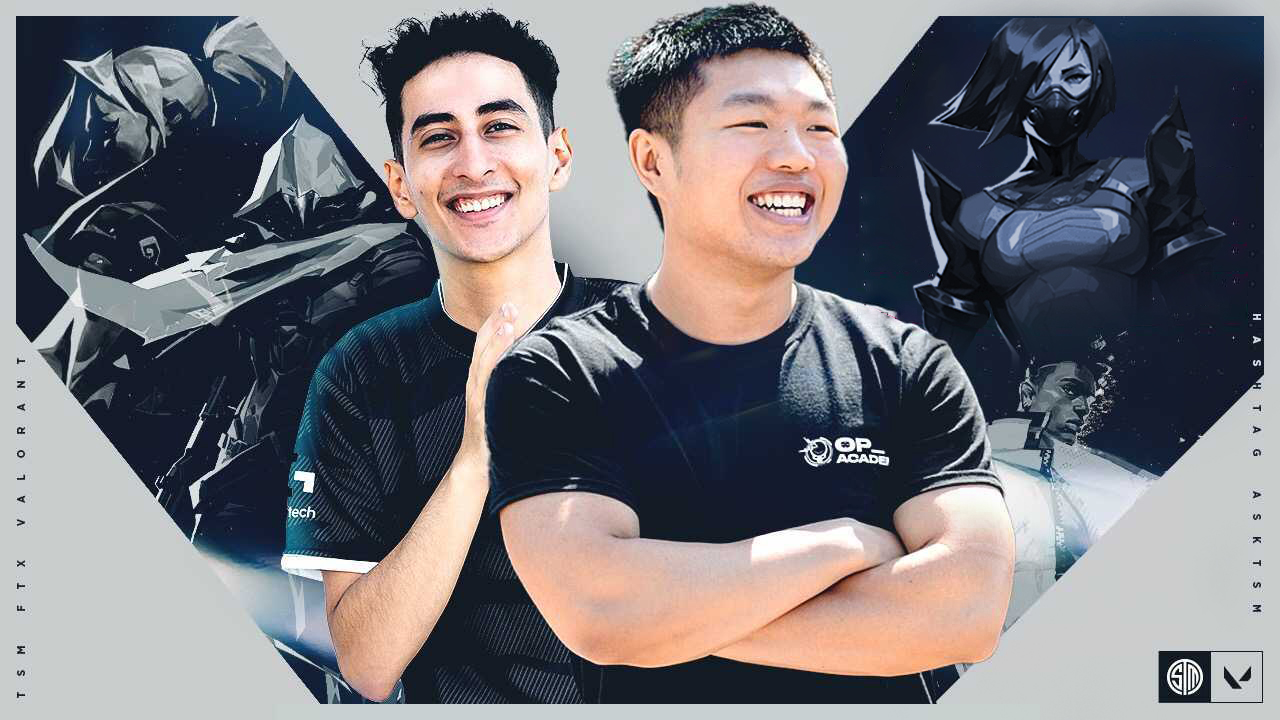
Today we will look at the crosshair, mouse sensitivity, and keybinds for the IGL, TSM FTX Subroza. Details below.
TSM FTX Subroza is one of the most charismatic IGLs in Valorant and a crucial member of the TSM roster. He has transitioned from an aggressive Raze player to an Initiator/ Controller role. He is also among the more popular professional players, among players like TenZ and Yay.
Today, we will look at his Valorant Keybinds, Crosshair, Video settings, and Mouse sensitivity. We have also covered Yay’s crosshair settings; check them out below.
Also Read: C9 Yay: Crosshair, Keybinds, and Video Settings
TSM FTX Subroza Valorant Settings
Mouse Sensitivity
Subroza uses a Logitech G Pro X Superlight, which gives a comfortable palm claw grip. His sensitivity is on the slightly higher side as compared to someone like Yay.
- DPI – 800
- Sensitivity – 0.277
- Zoom Sensitivity – 1
- Hz – 1000
- Raw Input Buffer – On
- Windows Sensitivity – 6
- EDPI – 221.6
TSM FTX Subroza: Crosshair Settings
- Color – Red
- Outlines – On
- Outline Opacity – 0.7
- Center Dot – Off
- Outline Thickness – 1
- Inner Lines – On 1/2/1/3
- Inner Line Firing and Movement Error – Off
- Outer Lines – Off
Video Settings
Subroza plays on a slightly lower resolution than the maximum to attain a mix of Graphical supremacy and an FPS boost. His Graphics driver is an NVIDIA GeForce RTX 3090 with an Intel Core I9 9900k processor.
- Resolution – 1920×1080
- Aspect Ratio – 16:9
- Material, Texture, and Detail Quality – Low
- Vignette and Vsync – Off
- UI Quality – Medium
- Multi-thread Rendering – On
- Anti-Aliasing – None
- Anisotropic Filtering -1X
- Improve Clarity and Experimental Sharpening – On
- Bloom, Distortion, and Cast Shadows – Off
Keybinds
Subroza uses a Logitech G Pro X Keyboard while most of his abilities are assigned to his mouse, just like SEN TenZ. Let us take a detailed look.
- Walk – L-Alt
- Crouch – L-Ctrl
- Jump – Space Bar
- Use Object – E
- Ability 1 – Middle Mouse
- Ability 2 – Mouse 4
- Ability 3 – Mouse 5
- Ultimate – C
These are all the essential settings you need to know. Besides that, Subroza has set the color of the enemies as Yellow. Now go out there and Roza Ult your enemies using these settings!
Also Read: SEN Tarik: Valorant Updated Crosshair, Mouse Settings, Keybinds
About the author


-

ch33n1 L4NC3L077 •
Is Ana returning to pro Dota 2? New rumours.
-

Danyal Arabi •
Astralis bench coach ‘trace’ amid CS:GO roster shuffle
-
Amlan Roy •
Paper Rex: The redemption of most beloved Valorant Champions team
-

The SportsRush Desk •
League of Legends World Championships 2020 Draw Schedule : Where to Watch LOL World Draw?
-

ch33n1 L4NC3L077 •
LOL Prime Gaming: Riot Games level up the rewards received from League of Legends Prime subscription
-

Yuvansh Ruia •
100 Thieves continue to struggle after losing 0-2 against SoaR in the BoomTv Proving Grounds