


Soulcas Valorant Settings: Gear, Mouse Sensitivity, Crosshair, Key binds, Graphics, Video Settings.

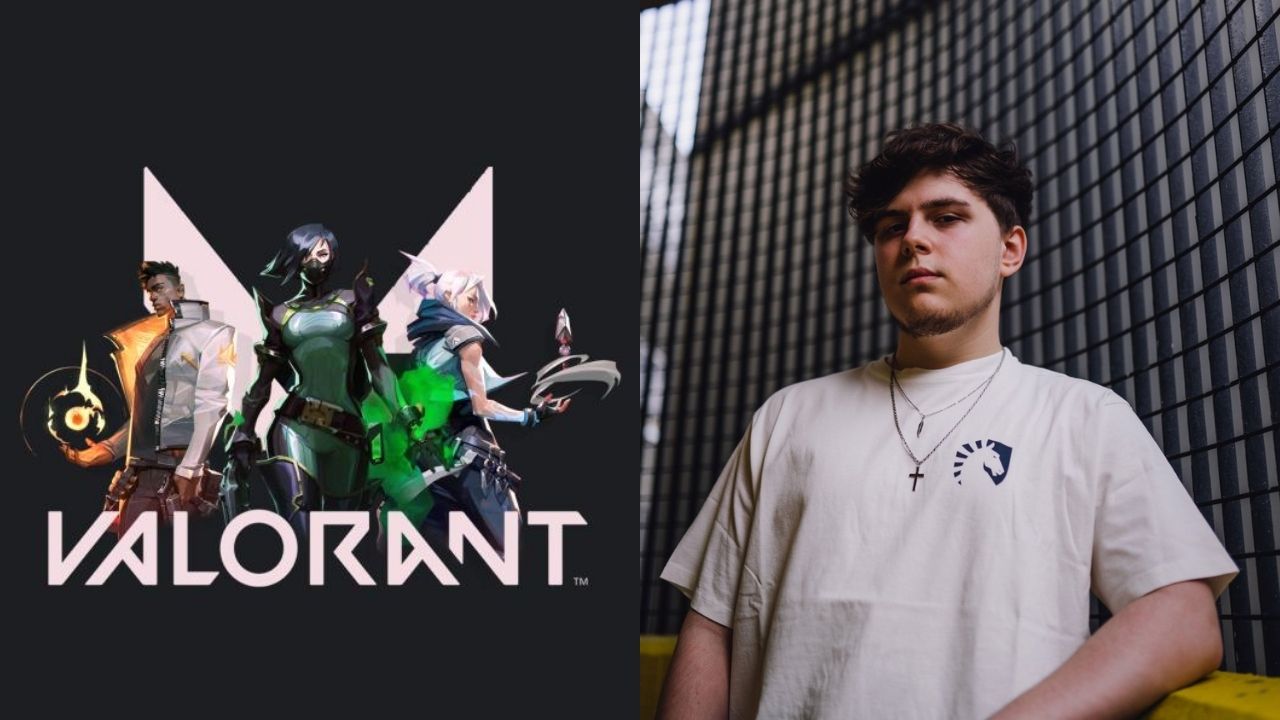
Let’s take a look at Team Liquid’s ultimate spacer and Neon Main, Soulcas Valorant settings, gear, and more.
Dom “Soulcas” Sulcas is a professional UK Valorant player, who currently plays for team liquid. He was formally known for his professional career in Counter-Strike: Global Offensive. Where he played for teams such as Fierce Esports and Londer Esports. Which he played under the name dOMM.
On the Liquid Valorant roster, Soulcas usually prefers playing the role of a dualist. And is one of few players who play the agent Neon. Soulcas usually has a consistent performance of top fragging and making a lot of space for his team. But enough about his playstyle. let’s take a look at his in-game settings.
Also Read: Valorant Leaks and Upcoming updates: New agent, New battle pass, RGX 2.0, and more
Soulcas’s Gear
- Monitor: Alienware AW2521H
- Keyboard: HyperX Alloy FPS
- Mouse: Zowie EC2
- Mousepad: Artisan Ninja FX Zero
- Headset: Hyperx Cloud II
- Graphics Card: NVIDIA GeForce RTX 3090
Soulcas Valorant in-game Settings
Soulcas Mouse settings
- Mouse DPI – 400
- In-game Sensitivity – 0.524
- eDPI – 209.6
- Scoped Sensitivity – 1
- Polling Rate – 1000
Soulcas’s Valorant Crosshair settings
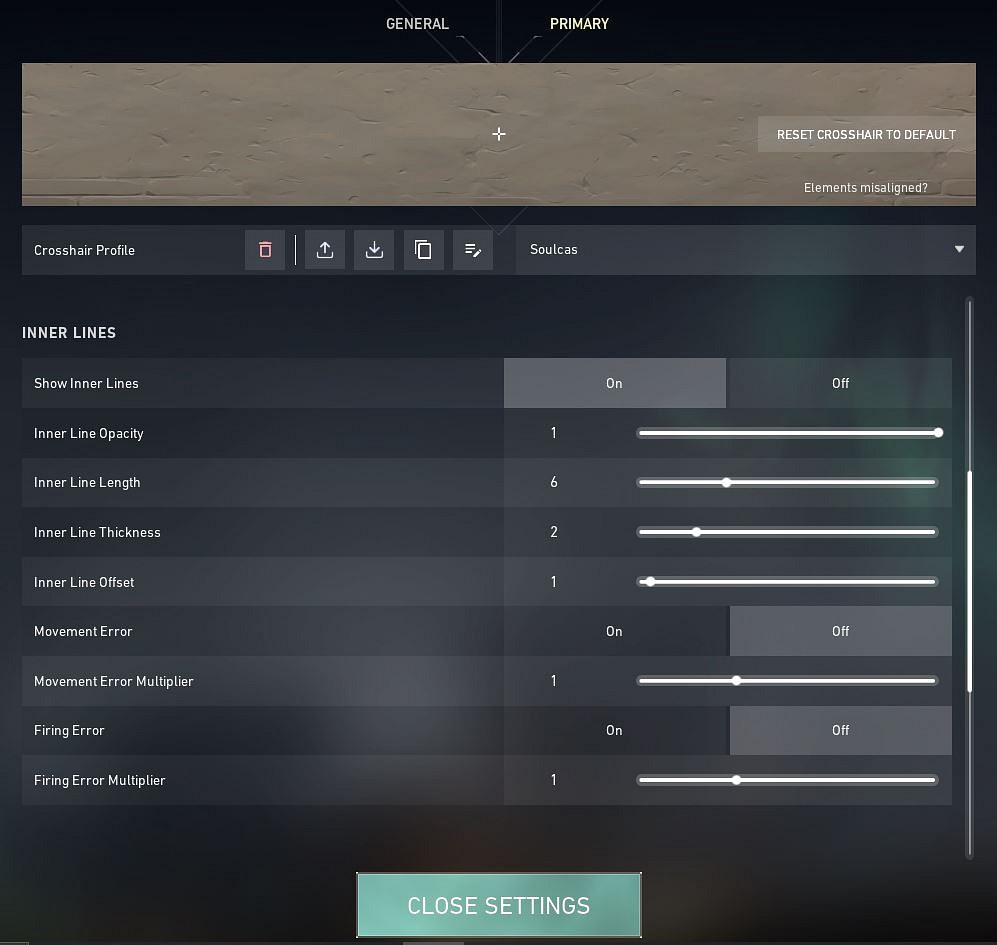
- Crosshair Color: White
- Center-Dot: Off
- Outlines: Off
- Inner Lines: On
- InnerLine Opacity: 1
- Inner Line Length: 6
- Inner Line Thickness: 2
- InnerLine offset: 1
- Outer Lines: Off
Soulcas Valorant Keybinds
- Walk: Mouse 5/ L-Ctrl
- Crouch: L-Shift
- Jump: Space Bar/ Mouse wheel down
- Use Object: F
- Primary Weapon: 1
- Secondary Weapon: 2
- Melee Weapon: 3
- Equip Spike: 4
- Ability 1: Mouse 4
- Use Ability 2: E
- Ability 3: C
- Use Ultimate Ability: X
Soulcas’s Video Settings
- General
- Display – Fullscreen
- Resolution – 1920 x 1080
- Frame Rate Limit – Unlocked
- Graphics Settings
- Multithreaded Rendering: On
- Material Quality – Low
- Texture Quality – Low
- Detail Quality – Low
- UI Quality – Low
- Vignette – Off
- VSync – Off
- Anti-Aliasing – MSAA 2x
- Anisotropic Filtering – 2x
- Improve Clarity – Off
- Bloom – On
- Distortion – Off
- Cast Shadows – Off
Also Read: VCT Masters Prize Pool: Valorant Champions Tour 2022 Reykjavík Prize Pool Distribution
Oh and by the way don’t forget to check out his Twitch channel, or maybe drop a follow on his Twitter. Fun fact: Before joining Liquid dom used to play for fish123.
About the author

-
Amlan Roy •
Riot Games reveals new map Sunset at Valorant Champions 2023: What is known?
-
ch33n1 L4NC3L077 •
Valorant Champions 2021 Finals: Gambit Esports beat KRU Esports to face ACEND in the finals for Valorant Champions 2021.
-
Tanmaiy Reddy •
XQC breaks his all time Twitch Viewership record with a total of 290,000 live viewers
-
Adnan Juzar Kachwala •
Valorant Players Criticize Riot for Locking Skin Effects Behind Radianite Points
-
Danyal Arabi •
FaZe take on Cloud9 in the ESL Pro League Grand Final
-
Adnan Juzar Kachwala •
Valorant: Beta reveals a new Game Mode which is shorter than Unrated